

Excellent UK Based Support!
We value our Customers and provide outstanding UK based support.

Show audience-targeted, scheduled popups and panels on SharePoint Online pages. Choose to add the popup content from a page URL, HTML or rich text, open popups automatically on page load and set how often each user sees them.
Power Popups for SharePoint is your go-to solution for creating engaging, stylish and effective popups and panels for alerts, announcements, forms and news, or simply to add a dynamic element to your SharePoint site.
Power Popups is an SPFx web part with a wide range of options, so you can create combinations of popups and panels and achieve eye-catching effects for your messages without any special coding knowledge.
Rated 5.0 from 22 ratings on Microsoft Marketplace · 7-day free trial with full functionality · For SharePoint Online (Microsoft 365) · From £999 a year · By APPS 365 LTD, London
Start 7-Day Free Trial Buy a LicencePower Popups for SharePoint is the most effective way to communicate your message and ensure it gets the required attention from your users. With Power Popups you can create Popups and Panels that display any content.
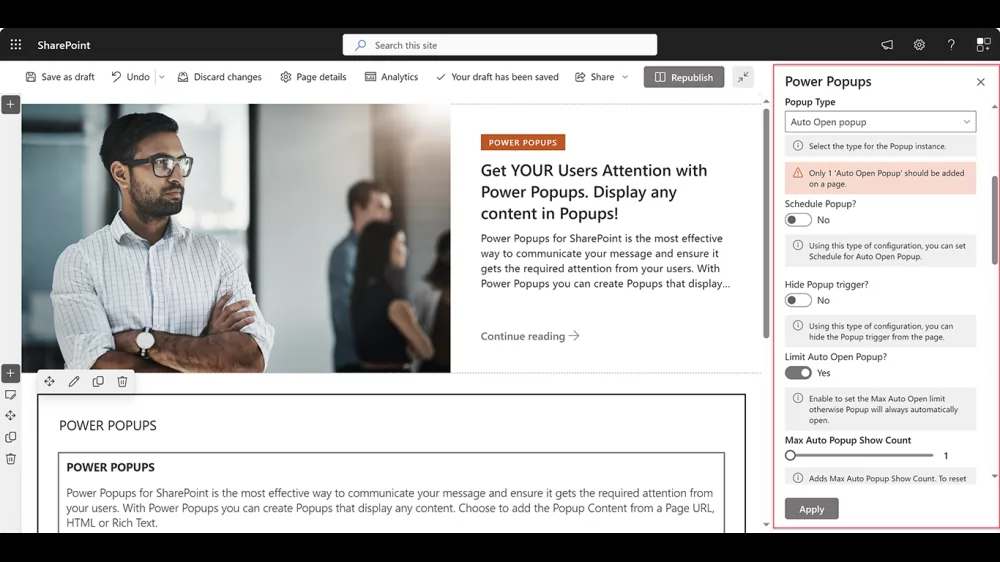
Audience Target and Create Auto Popups with a predefined number of times it Appears for each User!
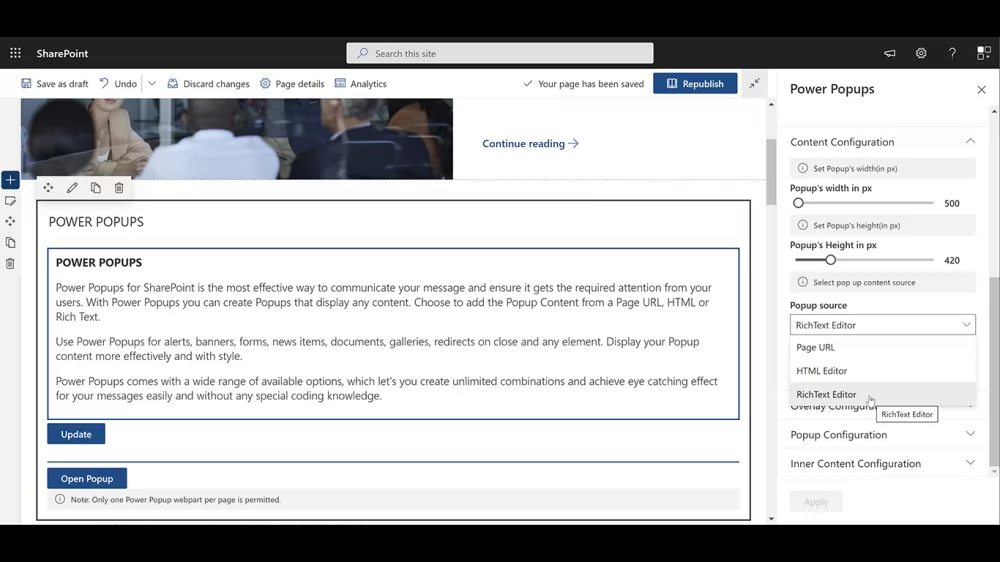
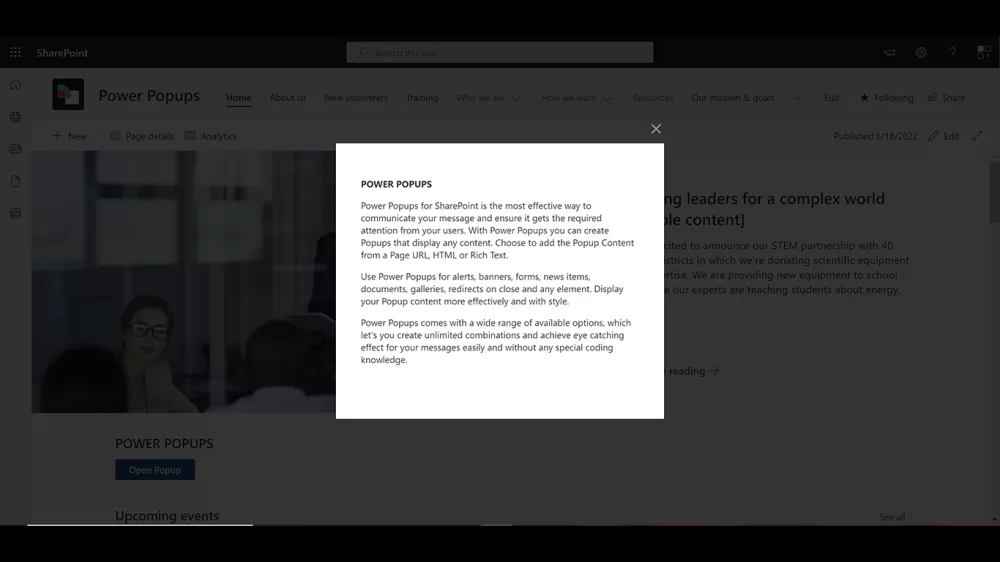
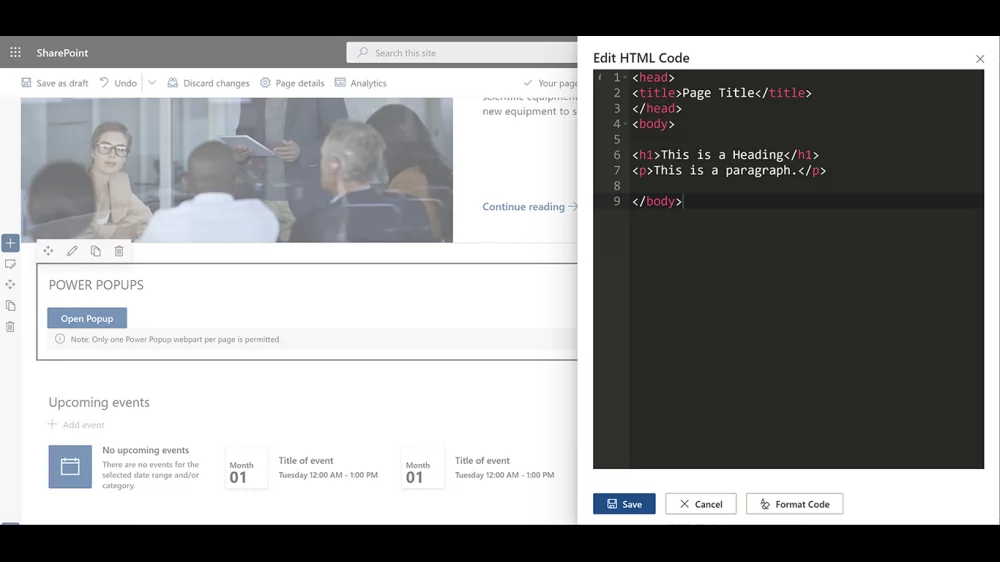
Choose to add the Popup Content from a Page URL, HTML or Rich Text. Use Power Popups for alerts, banners, forms, news items, documents, galleries, redirects on close and any element. Display your Popup/Panel content with style.

We value our Customers and provide outstanding UK based support.
Communicate your message! Popup/Panel Content from a Page URL, HTML or Rich Text.
Developed by SharePoint / SPFx experts!
Very easy to use, no training required.
All functionality takes place within the SharePoint environment.
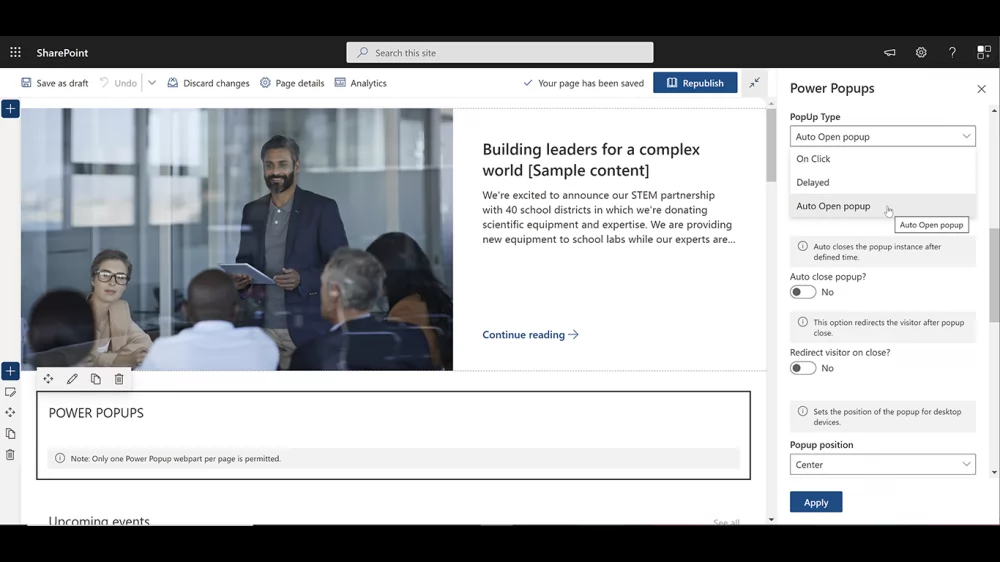
Trigger Popups on click, delay or page open. Redirect visitor on Popup close.
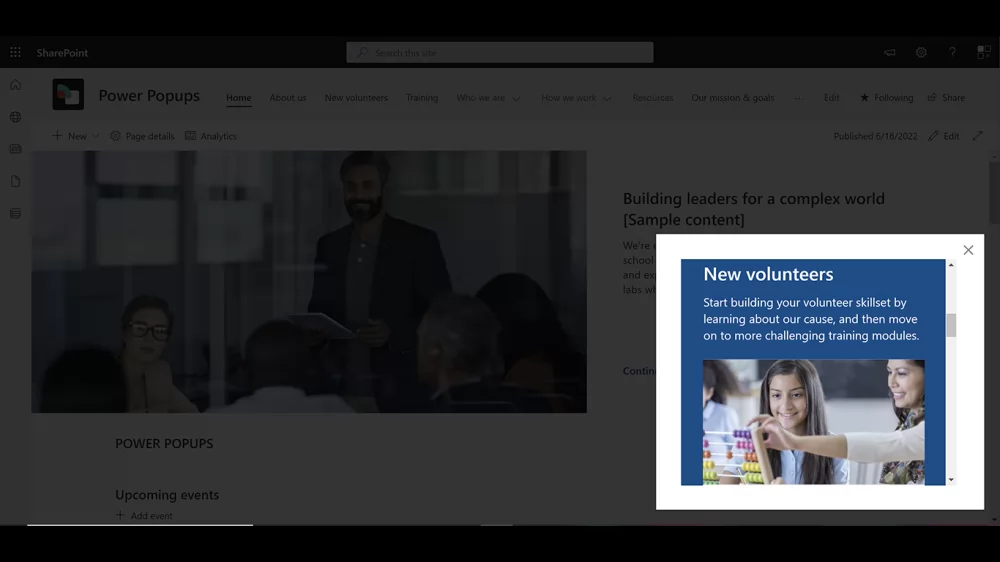
Open an alert automatically as the page loads, target it to the people affected and limit how many times each user sees it.
Set From and To dates and times so event, campaign and maintenance messages appear and disappear on schedule.
Greet new starters with a targeted popup that shows a set number of times, then gets out of the way.
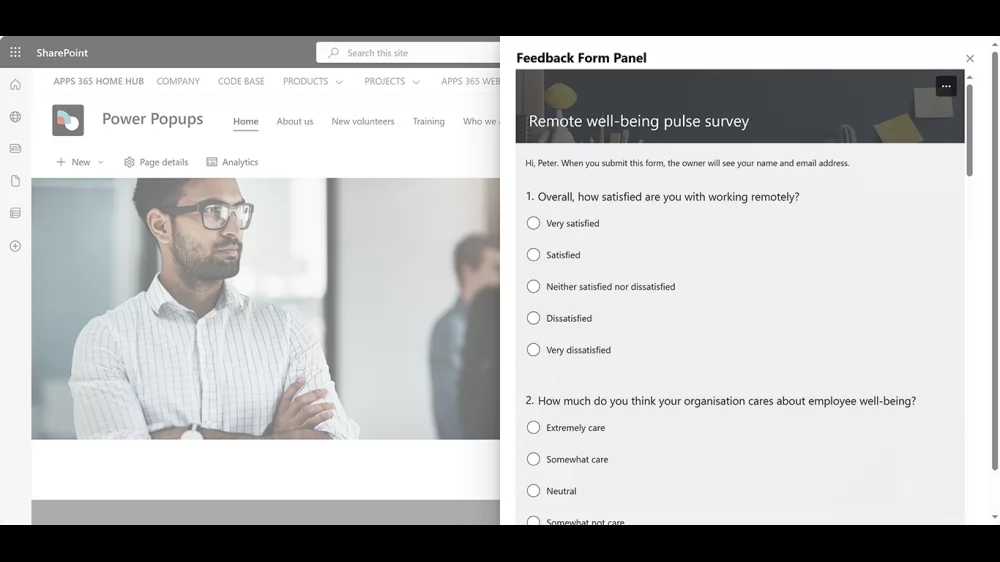
Show a form or pulse survey in a popup or panel from its page URL, so people can respond without leaving the page.
Put news items, documents, image galleries or your own HTML and rich text in front of users in a popup or panel.
Send visitors on to another page when they close the popup, such as a policy, a sign-up form or the next step.
Power Popups for SharePoint is an SPFx web part from APPS 365 LTD that shows targeted, scheduled popups and panels on SharePoint Online pages. Popup content can come from a page URL, HTML or rich text, so you can use it for alerts, forms, news items, documents, galleries or any other content.
Power Popups is built for SharePoint Online in Microsoft 365 only. It is not designed for SharePoint Server (on-premises). The web part can also be added to Microsoft Teams as a tab.
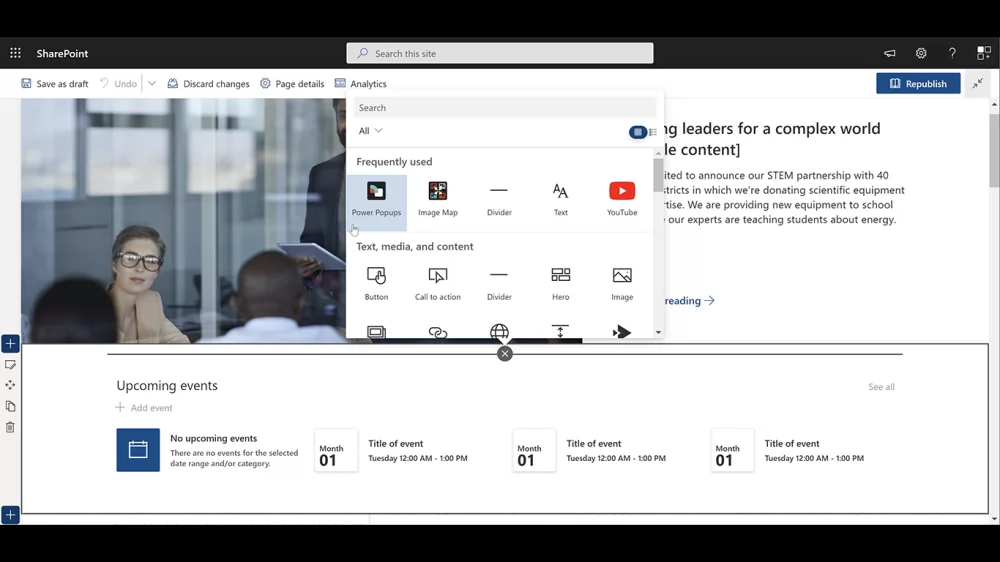
Install Power Popups from Microsoft Marketplace, edit your SharePoint page, add the Power Popups web part and choose your content and options in the web part settings. No coding is needed.
Yes. Popups and panels can open automatically on page load, after a delay, or when someone clicks a button, link or image. For automatic popups you can set how many times the popup appears for each user.
Yes. Power Popups supports audience targeting, so each popup is only shown to the audiences you choose.
Yes. Set a From and To date and time and the popup or panel only appears during that window, which suits outage notices, events and time-limited announcements.
You can set the popup width and height, choose from 9 popup positions and 30+ animations for the popup, overlay and content, turn on auto close, make the window draggable and redirect visitors to another page when the popup closes.
Licences are annual and priced in GBP: Site (one site, up to 500 tenant users) is £999 a year, Site Collection (unlimited sites in one site collection, up to 2,500 tenant users) is £2,499 a year and Tenant (unlimited sites, up to 10,000 tenant users) is £3,999 a year. Contact APPS 365 LTD for pricing above 10,000 users.
Yes. The free trial on Microsoft Marketplace has full functionality for 7 days on one site per tenant. After 7 days a licence is needed to keep using it.
Buy a licence online from the APPS 365 LTD shop at apps365ltd.com, or contact APPS 365 LTD for a quote or an invoice.
Both apps are made by APPS 365 LTD. Power Popups is a web part you add to a SharePoint page to show popups and panels. Alerts Fusion for SharePoint is the newer sister app for banners, message bars, popups and panels. Contact us if you are not sure which one suits you.
Power Popups is developed and supported by APPS 365 LTD, a London software company registered in England and Wales (company number 13955007). Support is UK based and you can book a free 30-minute demo. APPS 365 LTD is not affiliated with Microsoft or with Apps365 / HR365 by Cubic Logics (apps365.com).